
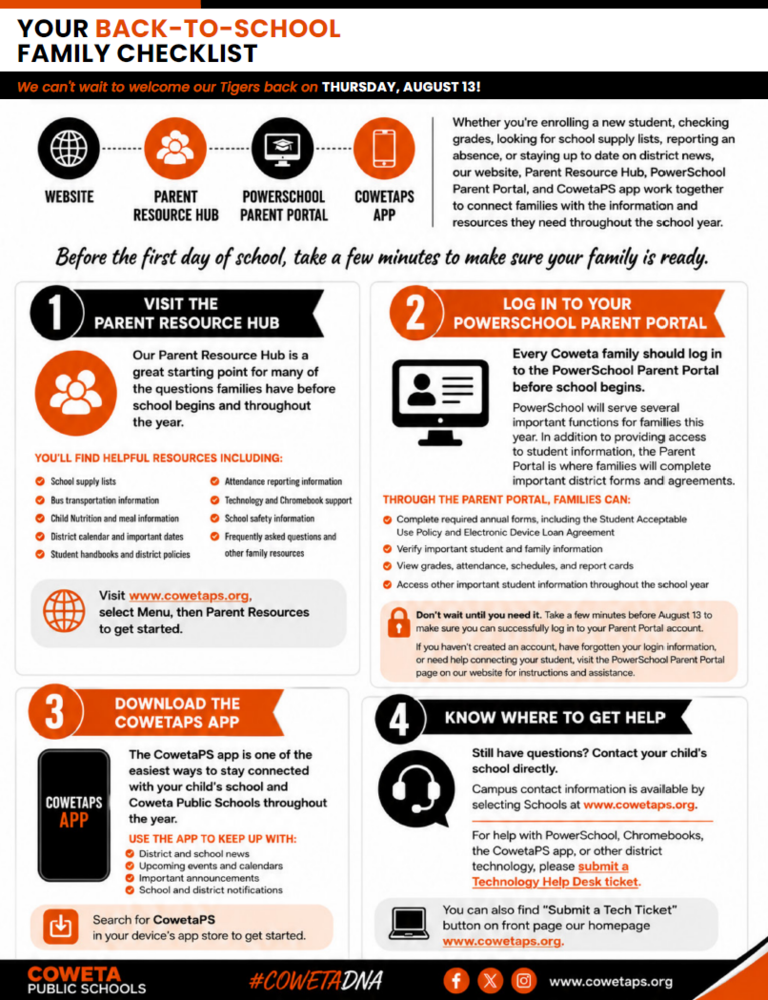
Your Back-to-School Family Checklist
As we prepare to welcome students back on Thursday, August 13, Coweta Public Schools has made it easier than ever for families to find important information and stay connected.
Whether you're enrolling a new student, checking grades, looking for school supply lists, reporting an absence, or staying up to date on district news, our website, Parent Resource Hub, PowerSchool Parent Portal, and CowetaPS app work together to connect families with the information and resources they need throughout the school year.
Before the first day of school, take a few minutes to make sure your family is ready.
✓ Visit the Parent Resource Hub
Our Parent Resource Hub is a great starting point for many of the questions families have before school begins and throughout the year.
You'll find helpful resources including:
School supply lists
Bus transportation information
Child Nutrition and meal information
District calendar and important dates
Student handbooks and district policies
Attendance reporting information
Technology and Chromebook support
School safety information
Frequently asked questions and other family resources
Visit www.cowetaps.org, select Menu, then Parent Resources to get started.
✓ Log in to Your PowerSchool Parent Portal
Every Coweta family should log in to the PowerSchool Parent Portal before school begins.
PowerSchool will serve several important functions for families this year. In addition to providing access to student information, the Parent Portal is where families will complete important district forms and agreements.
Through the Parent Portal, families can:
Complete required annual forms, including the Student Acceptable Use Policy and Electronic Device Loan Agreement
Verify important student and family information
View grades, attendance, schedules, and report cards
Access other important student information throughout the school year
Don't wait until you need it. Take a few minutes before August 13 to make sure you can successfully log in to your Parent Portal account.
If you haven't created an account, have forgotten your login information, or need help connecting your student, visit the PowerSchool Parent Portal page on our website for instructions and assistance.
✓ Download the CowetaPS app
The CowetaPS app is one of the easiest ways to stay connected with your child's school and Coweta Public Schools throughout the year.
Use the app to keep up with:
District and school news
Upcoming events and calendars
Important announcements
School and district notifications
Search for CowetaPS in your device's app store to get started.
✓ Know Where to Get Help
Still have questions? Contact your child's school directly. Campus contact information is available by selecting Schools at www.cowetaps.org.
For help with PowerSchool, Chromebooks, the CowetaPS app, or other district technology, please submit a Technology Help Desk ticket.
You can always find the Technology Help Desk using the quick link on the www.cowetaps.org homepage.
We look forward to welcoming our Tigers back on August 13!